ep03 v15 · 69 卡全审 · SKILL §K9 动效对照表
按 ASR begin 时间排序 · 检查每张卡的 cls 分类 / 触发时间 / SKILL 钦点动效要求 / 当前实际实现
分类
:
HIDDEN
= z=15 mask 后 · text-behind 藏字(招牌大字)
SHOWN
= z=40 mask 前 · 信息可见(评论/标签/花字)
当前状态
:69 张全部是 PNG 静帧 + ffmpeg fade 0.3s · SKILL §K9 钦点的 GSAP 动效(odo-flip 翻轮 / chain .melt 末环消散 / mrv 行揭幕 / glint 扫光 / kenburns 静图活化)
全部未做
#
时间
cls / 分层
当前 PNG
SKILL 动效 vs 实际
#01
0.1s
↓
10.7s
(10.6s)
punchline
z=15 后
anchor +6.1s
装不上没意义
SKILL K9 钦点:
终极金句 · y:-30→0 + opacity → expo.out · z=15 大字
实际:当前实现:PNG 静帧 + ffmpeg fade in/out 0.3s(无 GSAP runtime · 无动效)
#02
10.8s
↓
18.6s
(7.8s)
punchline
z=15 后
anchor +3.3s
配置/怎么装/多少钱
SKILL K9 钦点:
终极金句 · y:-30→0 + opacity → expo.out · z=15 大字
实际:当前实现:PNG 静帧 + ffmpeg fade in/out 0.3s(无 GSAP runtime · 无动效)
#03
18.9s
↓
24.1s
(5.2s)
tbh
z=15 后
anchor +0.7s
装不装
SKILL K9 钦点:
横贯大字藏字法 · 字符 x:-240→0 expo.out 0.85 stagger 0.05 · z=15 mask 后
实际:当前实现:PNG 静帧 + ffmpeg fade in/out 0.3s(无 GSAP runtime · 无动效)
#04
24.5s
↓
39.0s
(14.6s)
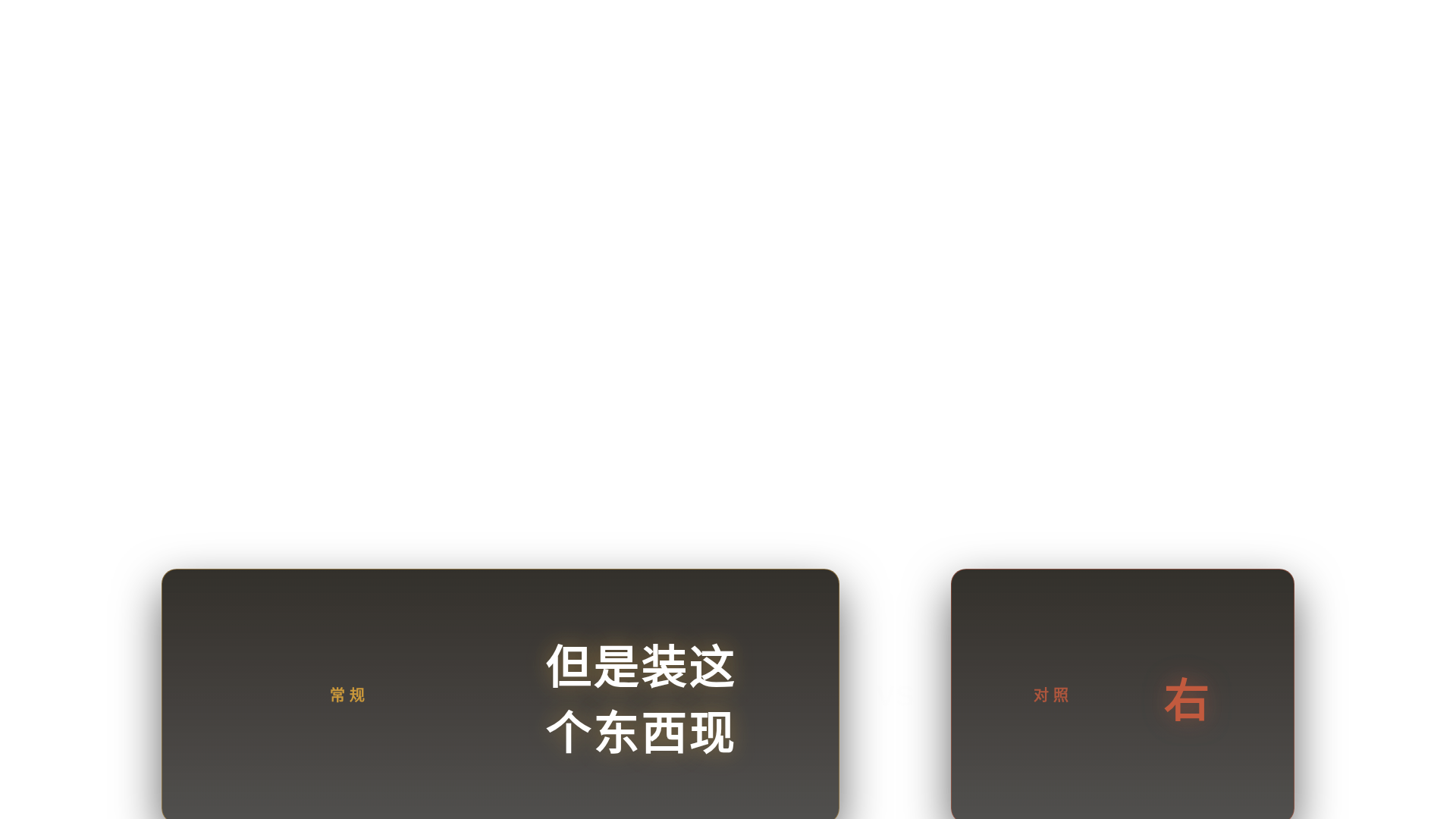
splitcard
z=40 前
anchor +0.0s
但是装这个东西现在已经不需要
SKILL K9 钦点:
分屏对比 · 左右两半 xPercent:±20→0 power3.out 0.7s · z=40+
实际:当前实现:PNG 静帧 + ffmpeg fade in/out 0.3s(无 GSAP runtime · 无动效)
#06
42.7s
↓
59.4s
(16.7s)
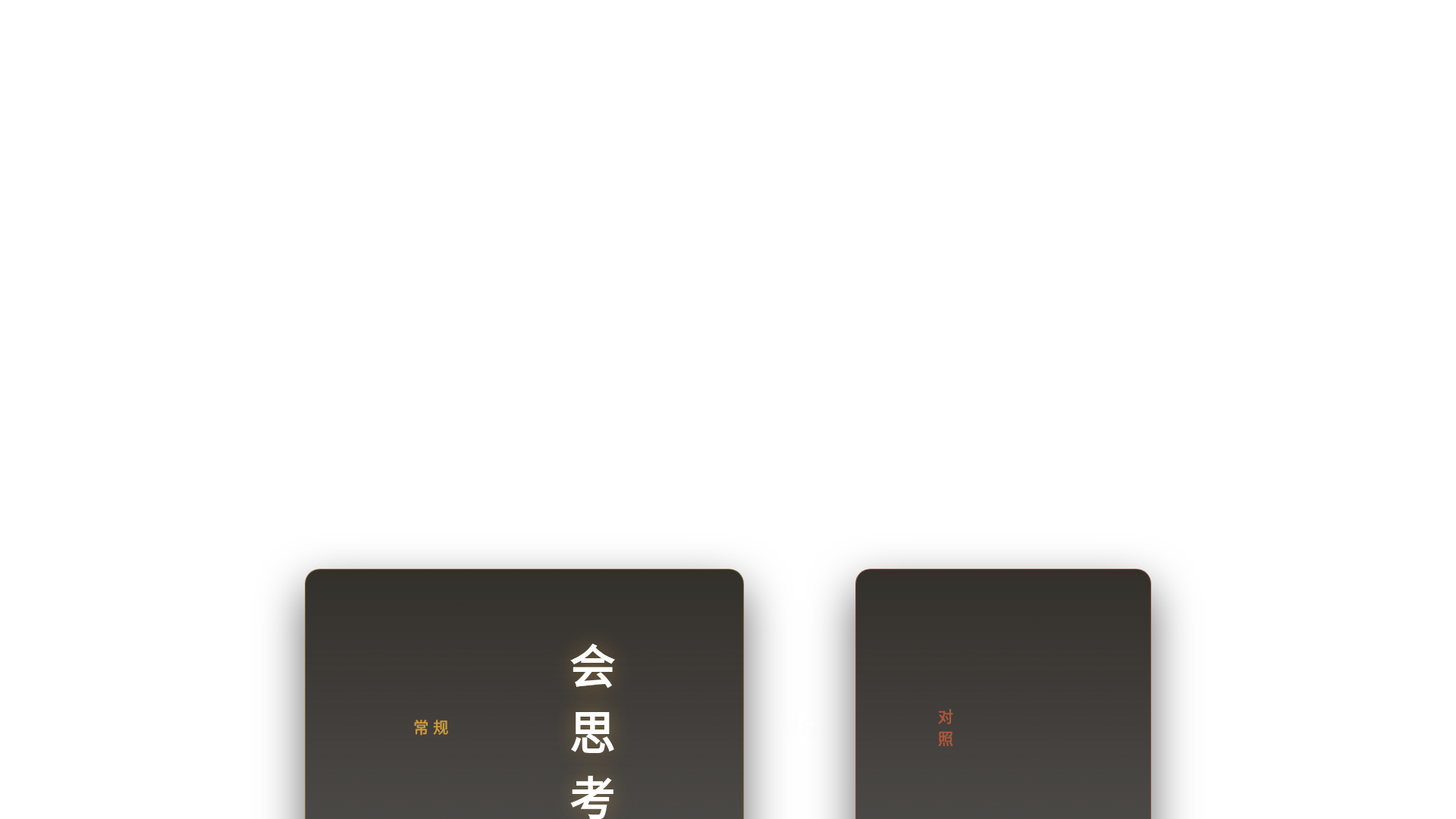
splitcard
z=40 前
anchor +12.2s
会思考 vs 不能动手
SKILL K9 钦点:
分屏对比 · 左右两半 xPercent:±20→0 power3.out 0.7s · z=40+
实际:当前实现:PNG 静帧 + ffmpeg fade in/out 0.3s(无 GSAP runtime · 无动效)
#07
60.0s
↓
63.6s
(3.6s)
gate
z=40 前
anchor +0.0s
桌面智能体 = ?
SKILL K9 钦点:
高潮大字 gate · scale 0.92→1 + opacity power3.out · z=40+ mask 前
实际:当前实现:PNG 静帧 + ffmpeg fade in/out 0.3s(无 GSAP runtime · 无动效)
#08
63.6s
↓
72.0s
(8.4s)
list4
z=40 前
anchor +0.0s
它们能够在你的电脑上去帮你干
SKILL K9 钦点:
逐条弹入 · li 4 行 y:30→0 stagger=ASR 真时间(非均分) · z=40+
实际:当前实现:PNG 静帧 + ffmpeg fade in/out 0.3s(无 GSAP runtime · 无动效)
#10
75.2s
↓
79.3s
(4.1s)
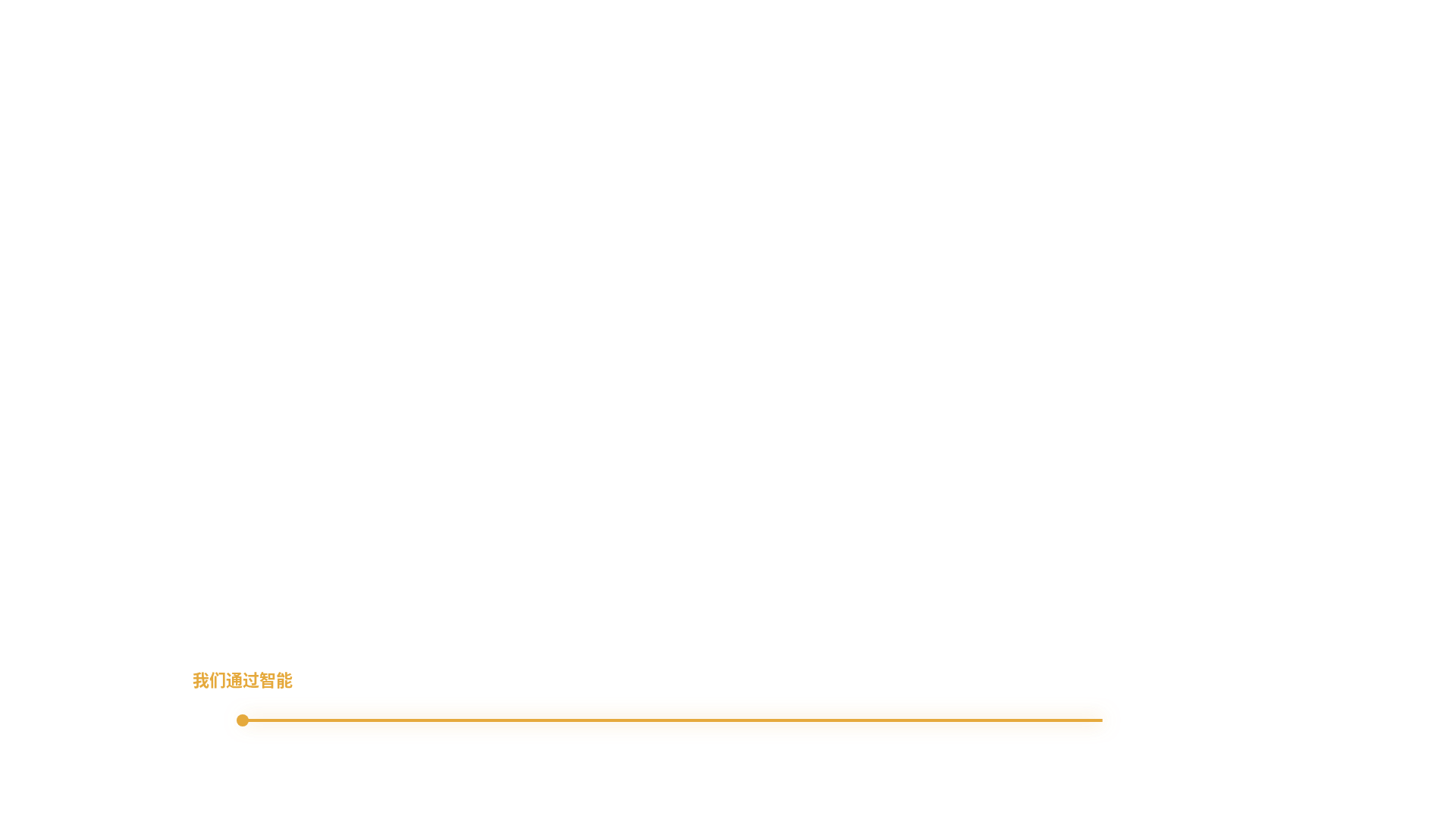
linedraw
z=40 前
anchor +0.0s
我们通过智能体给了模型更多的
SKILL K9 钦点:
自绘线 SVG · pathLength 1→0 strokeDashoffset 1.5s power2.inOut · z=40+
实际:当前实现:PNG 静帧 + ffmpeg fade in/out 0.3s(无 GSAP runtime · 无动效)
#13
100.0s
↓
108.2s
(8.2s)
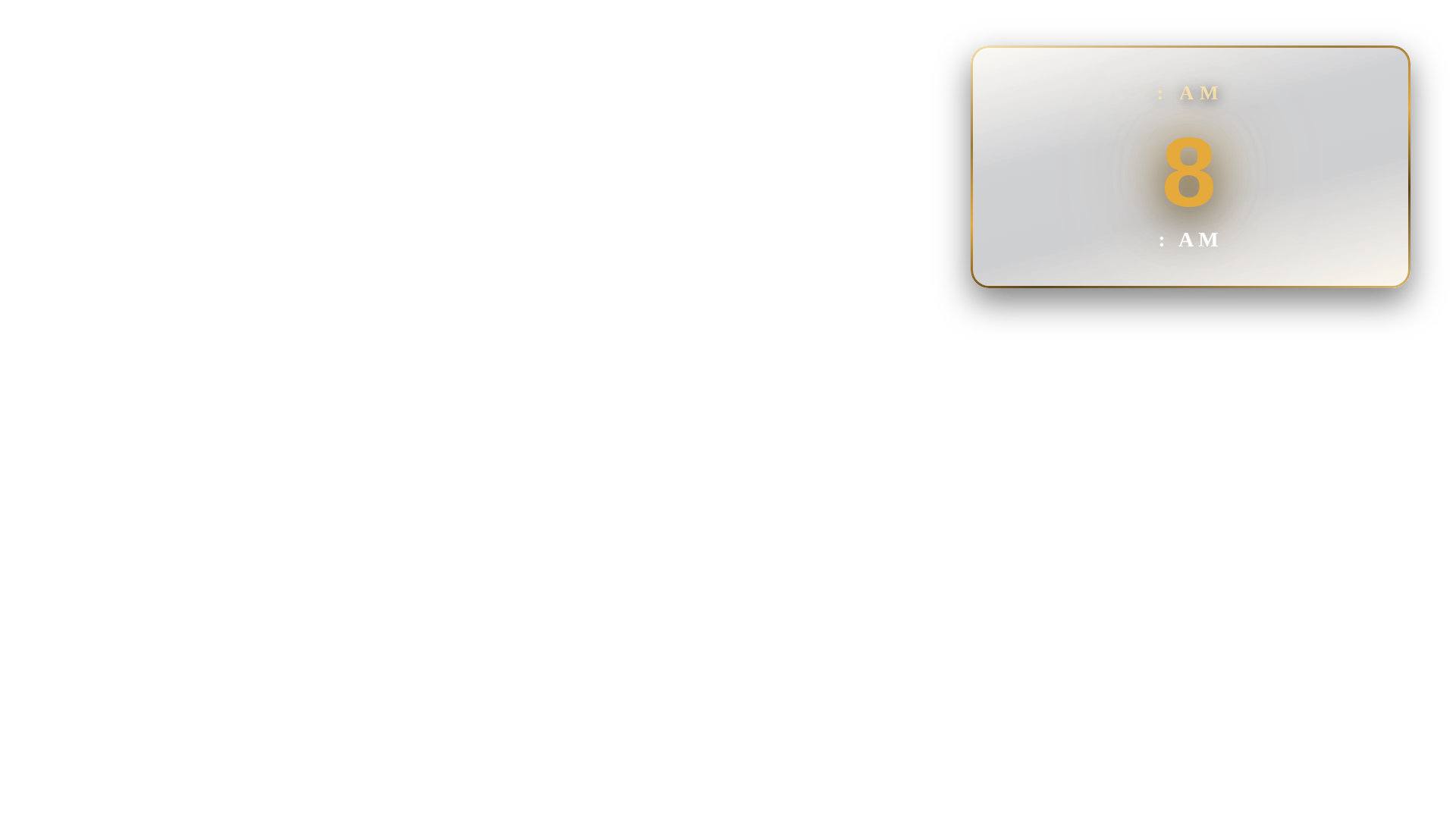
odo
z=40 前
anchor +0.0s
10:00 AM
SKILL K9 钦点:
odometer 数字翻轮 · 每位 rotateX -90→0 stagger 0.18 back.out(1.4) · z=40+
实际:当前实现:PNG 静帧 + ffmpeg fade in/out 0.3s(无 GSAP runtime · 无动效)
#14
108.3s
↓
124.0s
(15.8s)
lc4_logo
z=40 前
anchor +0.0s
我去问豆包豆包一步一步给我步
SKILL K9 钦点:
玻璃卡 logo · scale 0.9→1 + opacity + glint xPercent -260→330 · z=40+
实际:当前实现:PNG 静帧 + ffmpeg fade in/out 0.3s(无 GSAP runtime · 无动效)
#15
125.0s
↓
127.5s
(2.5s)
tbh
z=15 后
anchor +0.0s
失败
SKILL K9 钦点:
横贯大字藏字法 · 字符 x:-240→0 expo.out 0.85 stagger 0.05 · z=15 mask 后
实际:当前实现:PNG 静帧 + ffmpeg fade in/out 0.3s(无 GSAP runtime · 无动效)
#17
136.1s
↓
143.9s
(7.8s)
lc4_logo
z=40 前
anchor +3.3s
Windows 不行 / 硬件不行 / 各种不行
SKILL K9 钦点:
玻璃卡 logo · scale 0.9→1 + opacity + glint xPercent -260→330 · z=40+
实际:当前实现:PNG 静帧 + ffmpeg fade in/out 0.3s(无 GSAP runtime · 无动效)
#19
149.5s
↓
161.8s
(12.3s)
lc4_logo
z=40 前
anchor +0.0s
¥100
SKILL K9 钦点:
玻璃卡 logo · scale 0.9→1 + opacity + glint xPercent -260→330 · z=40+
实际:当前实现:PNG 静帧 + ffmpeg fade in/out 0.3s(无 GSAP runtime · 无动效)
#20
162.3s
↓
182.6s
(20.3s)
chain
z=40 前
anchor +8.7s
网站 / 服务器 / ICP 备案
SKILL K9 钦点:
责任链节点 + 末环 .melt · 节点逐入 stagger=ASR + 末项 scale 1.4→0+blur · z=40+
实际:当前实现:PNG 静帧 + ffmpeg fade in/out 0.3s(无 GSAP runtime · 无动效)
#21
183.3s
↓
186.2s
(2.9s)
list4
z=40 前
anchor +0.0s
备案用啥工具?
SKILL K9 钦点:
逐条弹入 · li 4 行 y:30→0 stagger=ASR 真时间(非均分) · z=40+
实际:当前实现:PNG 静帧 + ffmpeg fade in/out 0.3s(无 GSAP runtime · 无动效)
#22
186.2s
↓
187.5s
(1.4s)
list4
z=40 前
anchor +0.0s
怎么识别文字?
SKILL K9 钦点:
逐条弹入 · li 4 行 y:30→0 stagger=ASR 真时间(非均分) · z=40+
实际:当前实现:PNG 静帧 + ffmpeg fade in/out 0.3s(无 GSAP runtime · 无动效)
#23
187.6s
↓
188.7s
(1.1s)
list4
z=40 前
anchor +0.0s
怎么识别这视频?
SKILL K9 钦点:
逐条弹入 · li 4 行 y:30→0 stagger=ASR 真时间(非均分) · z=40+
实际:当前实现:PNG 静帧 + ffmpeg fade in/out 0.3s(无 GSAP runtime · 无动效)
#24
188.7s
↓
189.8s
(1.1s)
list4
z=40 前
anchor +0.0s
怎么去看视频?
SKILL K9 钦点:
逐条弹入 · li 4 行 y:30→0 stagger=ASR 真时间(非均分) · z=40+
实际:当前实现:PNG 静帧 + ffmpeg fade in/out 0.3s(无 GSAP runtime · 无动效)
#25
189.8s
↓
193.2s
(3.4s)
list4
z=40 前
anchor +0.0s
这视频还是它剪的
SKILL K9 钦点:
逐条弹入 · li 4 行 y:30→0 stagger=ASR 真时间(非均分) · z=40+
实际:当前实现:PNG 静帧 + ffmpeg fade in/out 0.3s(无 GSAP runtime · 无动效)
#26
193.7s
↓
198.5s
(4.8s)
punchline
z=15 后
anchor +0.3s
知道底层逻辑后能做更多
SKILL K9 钦点:
终极金句 · y:-30→0 + opacity → expo.out · z=15 大字
实际:当前实现:PNG 静帧 + ffmpeg fade in/out 0.3s(无 GSAP runtime · 无动效)
#27
198.7s
↓
232.0s
(33.3s)
odo
z=40 前
anchor +0.0s
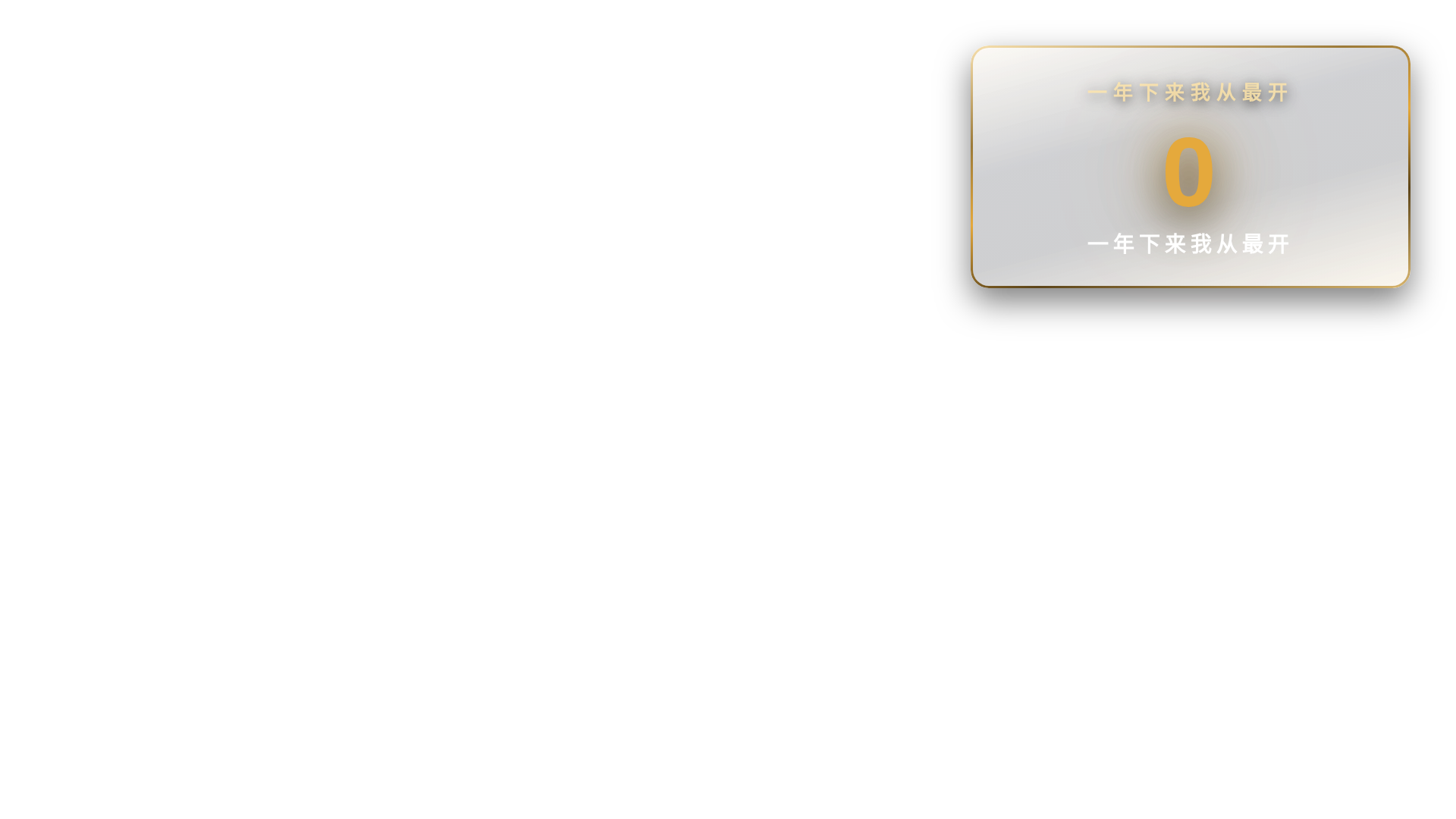
一年下来我从最开始的第一两个
SKILL K9 钦点:
odometer 数字翻轮 · 每位 rotateX -90→0 stagger 0.18 back.out(1.4) · z=40+
实际:当前实现:PNG 静帧 + ffmpeg fade in/out 0.3s(无 GSAP runtime · 无动效)
#28
232.0s
↓
242.6s
(10.6s)
list4
z=40 前
anchor +1.1s
工作体系 / 数据体系 / 数据库 / 智能体匹配
SKILL K9 钦点:
逐条弹入 · li 4 行 y:30→0 stagger=ASR 真时间(非均分) · z=40+
实际:当前实现:PNG 静帧 + ffmpeg fade in/out 0.3s(无 GSAP runtime · 无动效)
#31
256.0s
↓
270.7s
(14.7s)
punchline
z=15 后
anchor +7.4s
完成你原想不到的事
SKILL K9 钦点:
终极金句 · y:-30→0 + opacity → expo.out · z=15 大字
实际:当前实现:PNG 静帧 + ffmpeg fade in/out 0.3s(无 GSAP runtime · 无动效)
#32
271.1s
↓
284.8s
(13.7s)
punchline
z=15 后
anchor +9.2s
才会有想要的经验
SKILL K9 钦点:
终极金句 · y:-30→0 + opacity → expo.out · z=15 大字
实际:当前实现:PNG 静帧 + ffmpeg fade in/out 0.3s(无 GSAP runtime · 无动效)
#34
310.4s
↓
318.8s
(8.4s)
punchline
z=15 后
anchor +3.9s
自媒体 = 更重要
SKILL K9 钦点:
终极金句 · y:-30→0 + opacity → expo.out · z=15 大字
实际:当前实现:PNG 静帧 + ffmpeg fade in/out 0.3s(无 GSAP runtime · 无动效)
#35
318.8s
↓
327.1s
(8.2s)
tbh
z=15 后
anchor +3.7s
我吃米田共
SKILL K9 钦点:
横贯大字藏字法 · 字符 x:-240→0 expo.out 0.85 stagger 0.05 · z=15 mask 后
实际:当前实现:PNG 静帧 + ffmpeg fade in/out 0.3s(无 GSAP runtime · 无动效)
#36
327.3s
↓
334.0s
(6.6s)
pop
z=40 前
anchor +2.1s
不用自己装
SKILL K9 钦点:
金句花字 pop · scale 1.3→1 + opacity 弹回 back.out(1.4) · z=40+
实际:当前实现:PNG 静帧 + ffmpeg fade in/out 0.3s(无 GSAP runtime · 无动效)
#37
334.0s
↓
345.8s
(11.8s)
linedraw
z=40 前
anchor +0.0s
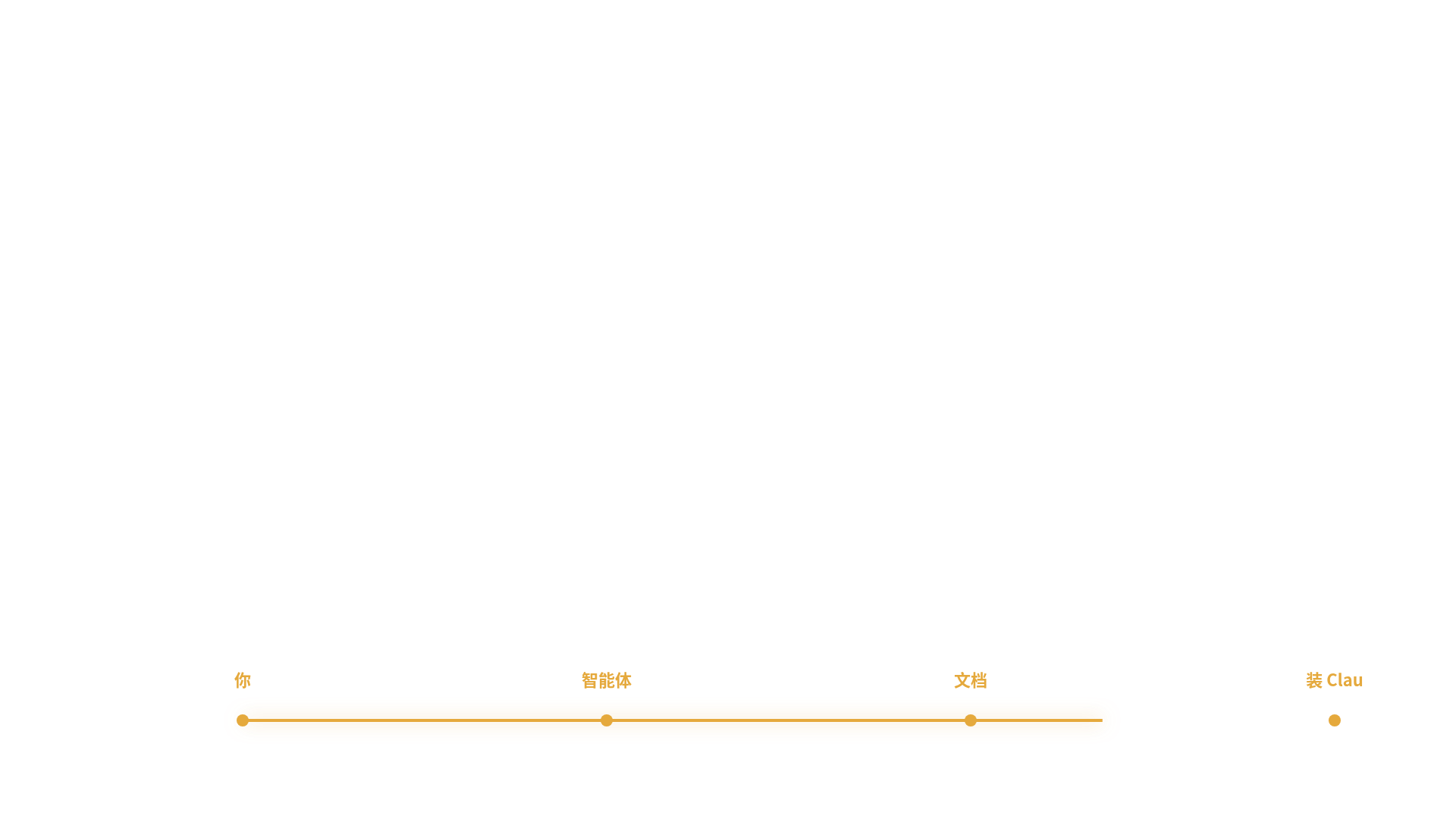
你 → 智能体 → 文档 → 装 Claude Code
SKILL K9 钦点:
自绘线 SVG · pathLength 1→0 strokeDashoffset 1.5s power2.inOut · z=40+
实际:当前实现:PNG 静帧 + ffmpeg fade in/out 0.3s(无 GSAP runtime · 无动效)
#38
345.8s
↓
358.5s
(12.7s)
linedraw
z=40 前
anchor +1.8s
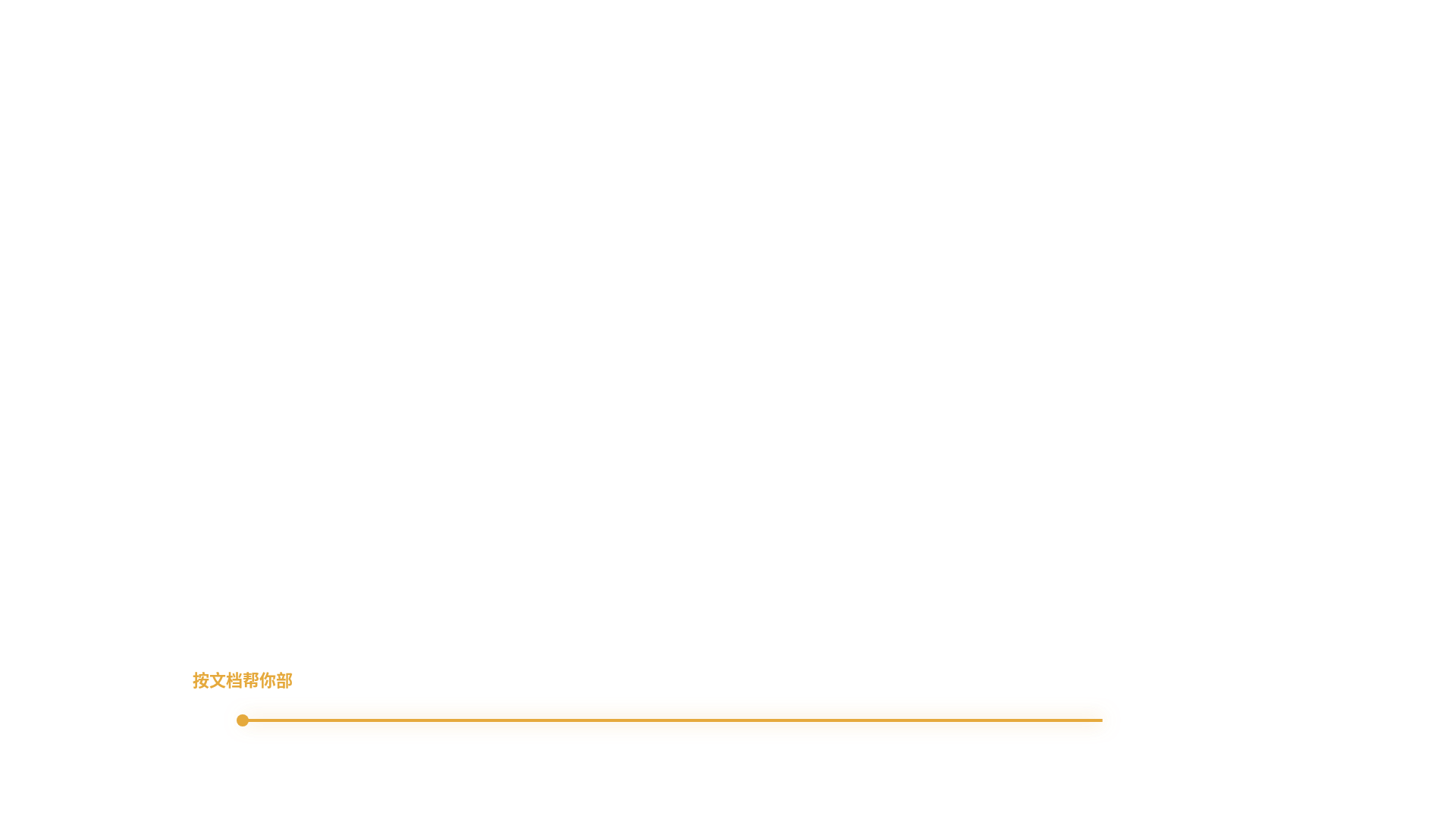
按文档帮你部署
SKILL K9 钦点:
自绘线 SVG · pathLength 1→0 strokeDashoffset 1.5s power2.inOut · z=40+
实际:当前实现:PNG 静帧 + ffmpeg fade in/out 0.3s(无 GSAP runtime · 无动效)
#39
359.4s
↓
367.4s
(8.0s)
gate
z=40 前
anchor +0.0s
今天做的是什么?
SKILL K9 钦点:
高潮大字 gate · scale 0.92→1 + opacity power3.out · z=40+ mask 前
实际:当前实现:PNG 静帧 + ffmpeg fade in/out 0.3s(无 GSAP runtime · 无动效)
#40
367.9s
↓
372.4s
(4.5s)
tbh
z=15 后
anchor +0.0s
零元
SKILL K9 钦点:
横贯大字藏字法 · 字符 x:-240→0 expo.out 0.85 stagger 0.05 · z=15 mask 后
实际:当前实现:PNG 静帧 + ffmpeg fade in/out 0.3s(无 GSAP runtime · 无动效)
#41
372.6s
↓
381.0s
(8.4s)
odo
z=40 前
anchor +3.9s
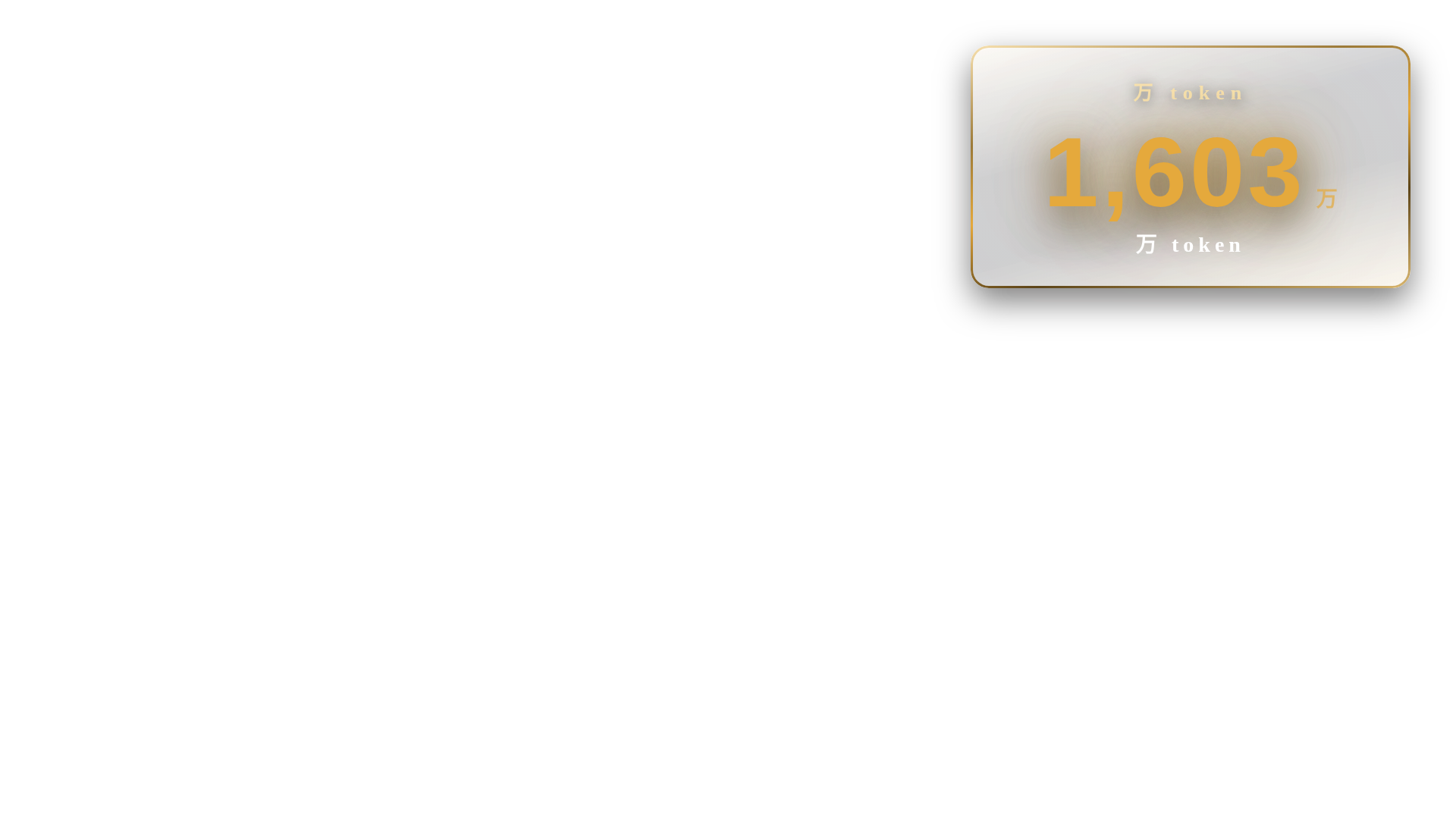
2000 万 token 免费
SKILL K9 钦点:
odometer 数字翻轮 · 每位 rotateX -90→0 stagger 0.18 back.out(1.4) · z=40+
实际:当前实现:PNG 静帧 + ffmpeg fade in/out 0.3s(无 GSAP runtime · 无动效)
#42
381.1s
↓
393.6s
(12.5s)
chip
z=40 前
anchor +6.3s
演示马上来
SKILL K9 钦点:
评论 chip 黄底标 · y:8→0 + opacity 0.4s · z=40+ 与 PIP 同步
实际:当前实现:PNG 静帧 + ffmpeg fade in/out 0.3s(无 GSAP runtime · 无动效)
#43
393.6s
↓
404.8s
(11.2s)
chain
z=40 前
anchor +6.2s
加入粉丝群
SKILL K9 钦点:
责任链节点 + 末环 .melt · 节点逐入 stagger=ASR + 末项 scale 1.4→0+blur · z=40+
实际:当前实现:PNG 静帧 + ffmpeg fade in/out 0.3s(无 GSAP runtime · 无动效)
#44
405.2s
↓
408.5s
(3.4s)
chain
z=40 前
anchor +0.0s
Step 2
SKILL K9 钦点:
责任链节点 + 末环 .melt · 节点逐入 stagger=ASR + 末项 scale 1.4→0+blur · z=40+
实际:当前实现:PNG 静帧 + ffmpeg fade in/out 0.3s(无 GSAP runtime · 无动效)
#45
408.6s
↓
418.7s
(10.1s)
chip
z=40 前
anchor +0.0s
去这个TRATrade这个官
SKILL K9 钦点:
评论 chip 黄底标 · y:8→0 + opacity 0.4s · z=40+ 与 PIP 同步
实际:当前实现:PNG 静帧 + ffmpeg fade in/out 0.3s(无 GSAP runtime · 无动效)
#46
419.2s
↓
419.6s
(0.4s)
chip
z=40 前
anchor +0.0s
这里有
SKILL K9 钦点:
评论 chip 黄底标 · y:8→0 + opacity 0.4s · z=40+ 与 PIP 同步
实际:当前实现:PNG 静帧 + ffmpeg fade in/out 0.3s(无 GSAP runtime · 无动效)
#47
419.2s
↓
420.7s
(1.4s)
chip
z=40 前
anchor +0.0s
这里有一个code看到没有?
SKILL K9 钦点:
评论 chip 黄底标 · y:8→0 + opacity 0.4s · z=40+ 与 PIP 同步
实际:当前实现:PNG 静帧 + ffmpeg fade in/out 0.3s(无 GSAP runtime · 无动效)
#48
420.9s
↓
433.3s
(12.4s)
odo
z=40 前
anchor +0.0s
code点进去之后把我给你的
SKILL K9 钦点:
odometer 数字翻轮 · 每位 rotateX -90→0 stagger 0.18 back.out(1.4) · z=40+
实际:当前实现:PNG 静帧 + ffmpeg fade in/out 0.3s(无 GSAP runtime · 无动效)
#49
433.7s
↓
440.7s
(7.0s)
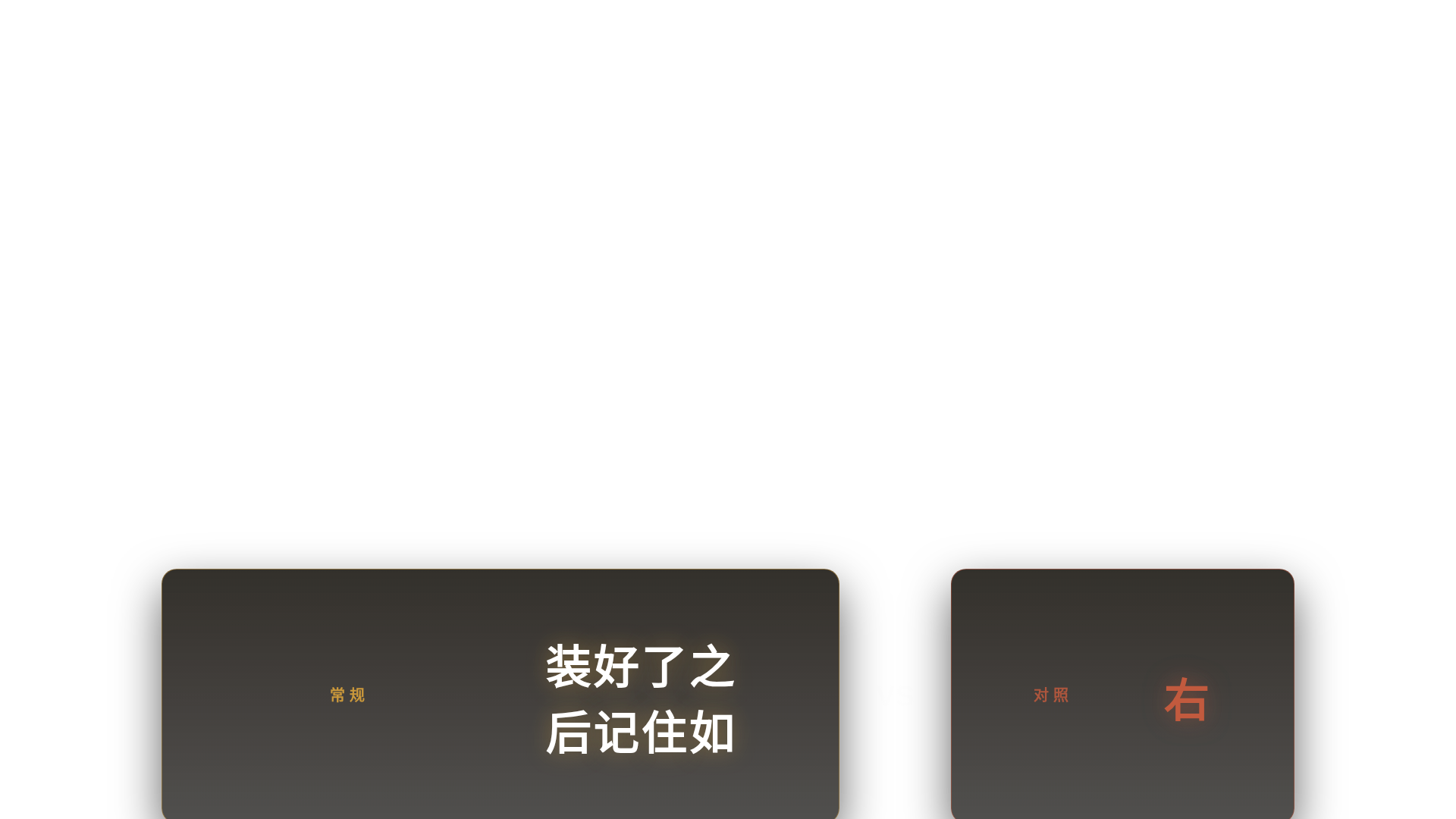
splitcard
z=40 前
anchor +0.0s
装好了之后记住如果说你是Wi
SKILL K9 钦点:
分屏对比 · 左右两半 xPercent:±20→0 power3.out 0.7s · z=40+
实际:当前实现:PNG 静帧 + ffmpeg fade in/out 0.3s(无 GSAP runtime · 无动效)
#50
441.0s
↓
447.8s
(6.8s)
lc4_logo
z=40 前
anchor +2.2s
PowerShell
SKILL K9 钦点:
玻璃卡 logo · scale 0.9→1 + opacity + glint xPercent -260→330 · z=40+
实际:当前实现:PNG 静帧 + ffmpeg fade in/out 0.3s(无 GSAP runtime · 无动效)
#51
448.2s
↓
454.5s
(6.3s)
pop
z=40 前
anchor +1.8s
最正宗 · 原汁原味 CLI
SKILL K9 钦点:
金句花字 pop · scale 1.3→1 + opacity 弹回 back.out(1.4) · z=40+
实际:当前实现:PNG 静帧 + ffmpeg fade in/out 0.3s(无 GSAP runtime · 无动效)
#52
454.9s
↓
459.7s
(4.8s)
chip
z=40 前
anchor +0.0s
如果在你的Mac上面你就直接
SKILL K9 钦点:
评论 chip 黄底标 · y:8→0 + opacity 0.4s · z=40+ 与 PIP 同步
实际:当前实现:PNG 静帧 + ffmpeg fade in/out 0.3s(无 GSAP runtime · 无动效)
#53
459.9s
↓
478.7s
(18.7s)
chip
z=40 前
anchor +0.0s
安安逸逸八八十十
SKILL K9 钦点:
评论 chip 黄底标 · y:8→0 + opacity 0.4s · z=40+ 与 PIP 同步
实际:当前实现:PNG 静帧 + ffmpeg fade in/out 0.3s(无 GSAP runtime · 无动效)
#54
478.7s
↓
482.8s
(4.1s)
chip
z=40 前
anchor +0.0s
全部调整的八八十十的安安逸逸
SKILL K9 钦点:
评论 chip 黄底标 · y:8→0 + opacity 0.4s · z=40+ 与 PIP 同步
实际:当前实现:PNG 静帧 + ffmpeg fade in/out 0.3s(无 GSAP runtime · 无动效)
#55
482.9s
↓
488.6s
(5.7s)
chip
z=40 前
anchor +0.7s
没外网条件
SKILL K9 钦点:
评论 chip 黄底标 · y:8→0 + opacity 0.4s · z=40+ 与 PIP 同步
实际:当前实现:PNG 静帧 + ffmpeg fade in/out 0.3s(无 GSAP runtime · 无动效)
#56
489.0s
↓
495.3s
(6.3s)
lc4_logo
z=40 前
anchor +1.8s
轻量模型
SKILL K9 钦点:
玻璃卡 logo · scale 0.9→1 + opacity + glint xPercent -260→330 · z=40+
实际:当前实现:PNG 静帧 + ffmpeg fade in/out 0.3s(无 GSAP runtime · 无动效)
#57
495.7s
↓
503.8s
(8.1s)
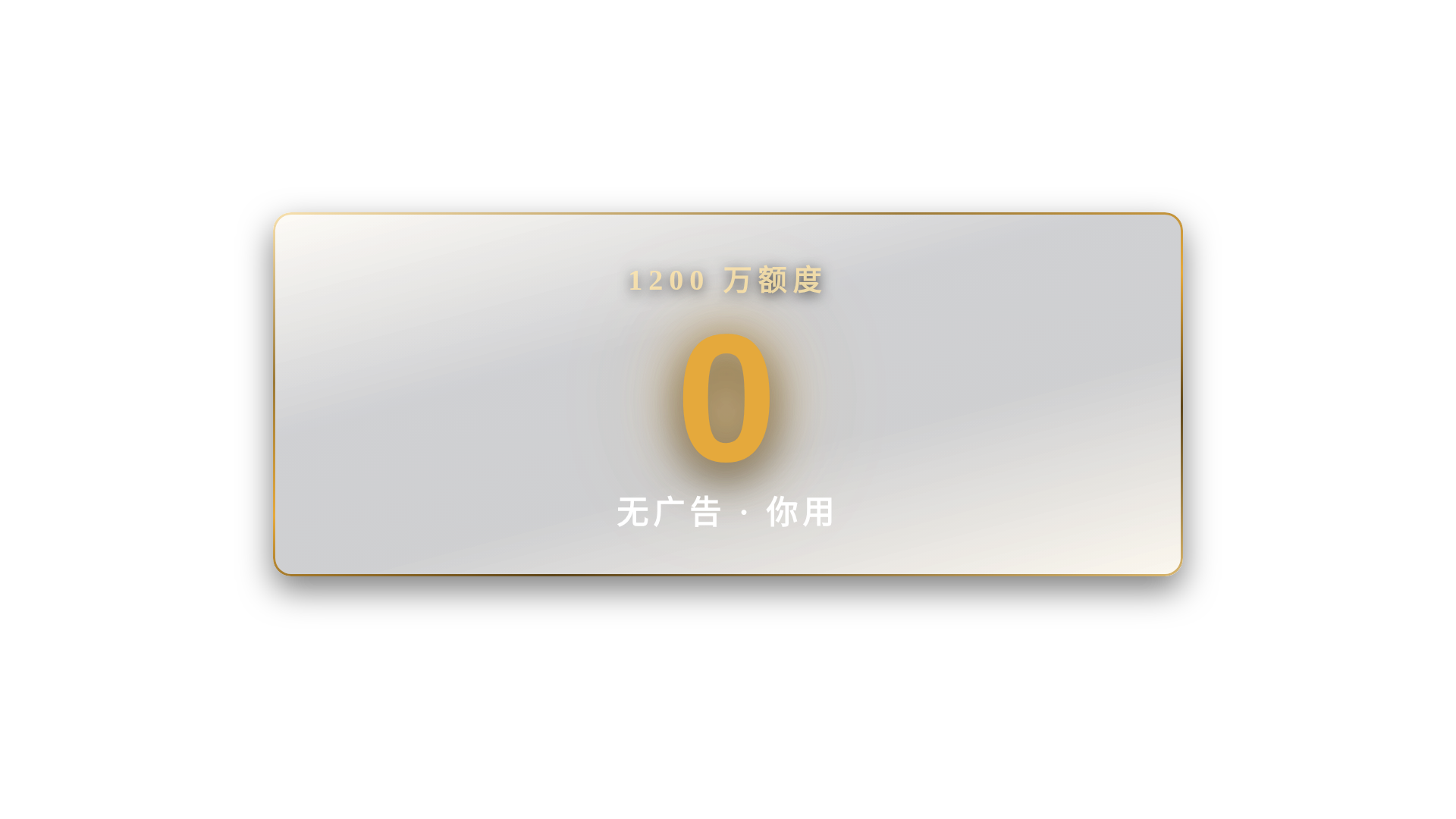
odo
z=40 前
anchor +0.0s
无广告 · 你用两天就离不开
SKILL K9 钦点:
odometer 数字翻轮 · 每位 rotateX -90→0 stagger 0.18 back.out(1.4) · z=40+
实际:当前实现:PNG 静帧 + ffmpeg fade in/out 0.3s(无 GSAP runtime · 无动效)
#58
504.1s
↓
511.3s
(7.2s)
gate
z=40 前
anchor +0.0s
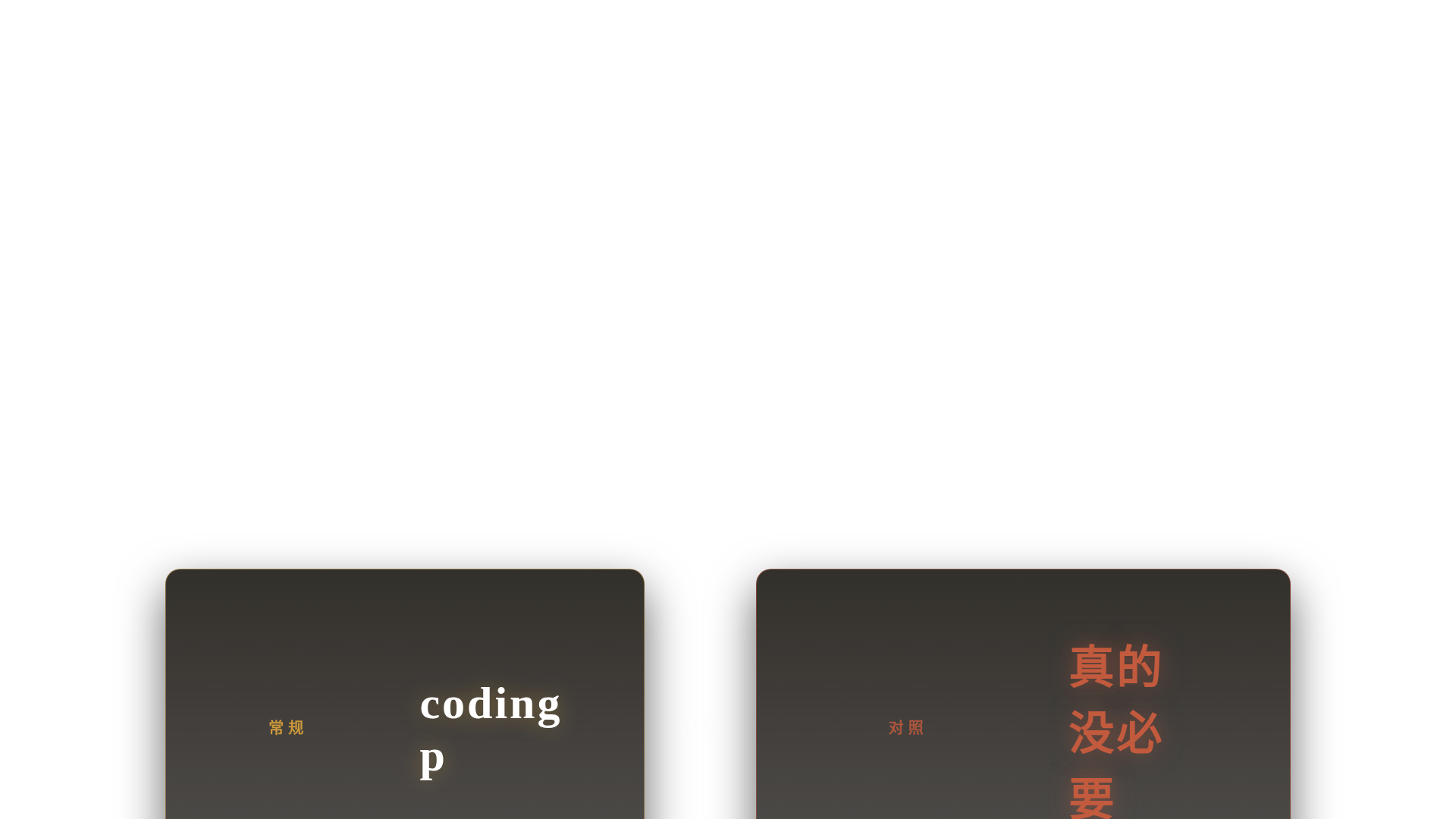
coding plan = ?
SKILL K9 钦点:
高潮大字 gate · scale 0.92→1 + opacity power3.out · z=40+ mask 前
实际:当前实现:PNG 静帧 + ffmpeg fade in/out 0.3s(无 GSAP runtime · 无动效)
#59
511.6s
↓
520.4s
(8.8s)
splitcard
z=40 前
anchor +4.3s
真的没必要
SKILL K9 钦点:
分屏对比 · 左右两半 xPercent:±20→0 power3.out 0.7s · z=40+
实际:当前实现:PNG 静帧 + ffmpeg fade in/out 0.3s(无 GSAP runtime · 无动效)
#60
520.7s
↓
538.7s
(18.0s)
punchline
z=15 后
anchor +0.0s
我们接下来这一年的时间从我最
SKILL K9 钦点:
终极金句 · y:-30→0 + opacity → expo.out · z=15 大字
实际:当前实现:PNG 静帧 + ffmpeg fade in/out 0.3s(无 GSAP runtime · 无动效)
#61
538.7s
↓
548.8s
(10.1s)
tbh
z=15 后
anchor +5.6s
大脑不一样
SKILL K9 钦点:
横贯大字藏字法 · 字符 x:-240→0 expo.out 0.85 stagger 0.05 · z=15 mask 后
实际:当前实现:PNG 静帧 + ffmpeg fade in/out 0.3s(无 GSAP runtime · 无动效)
#62
549.6s
↓
555.9s
(6.2s)
splitcard
z=40 前
anchor +1.7s
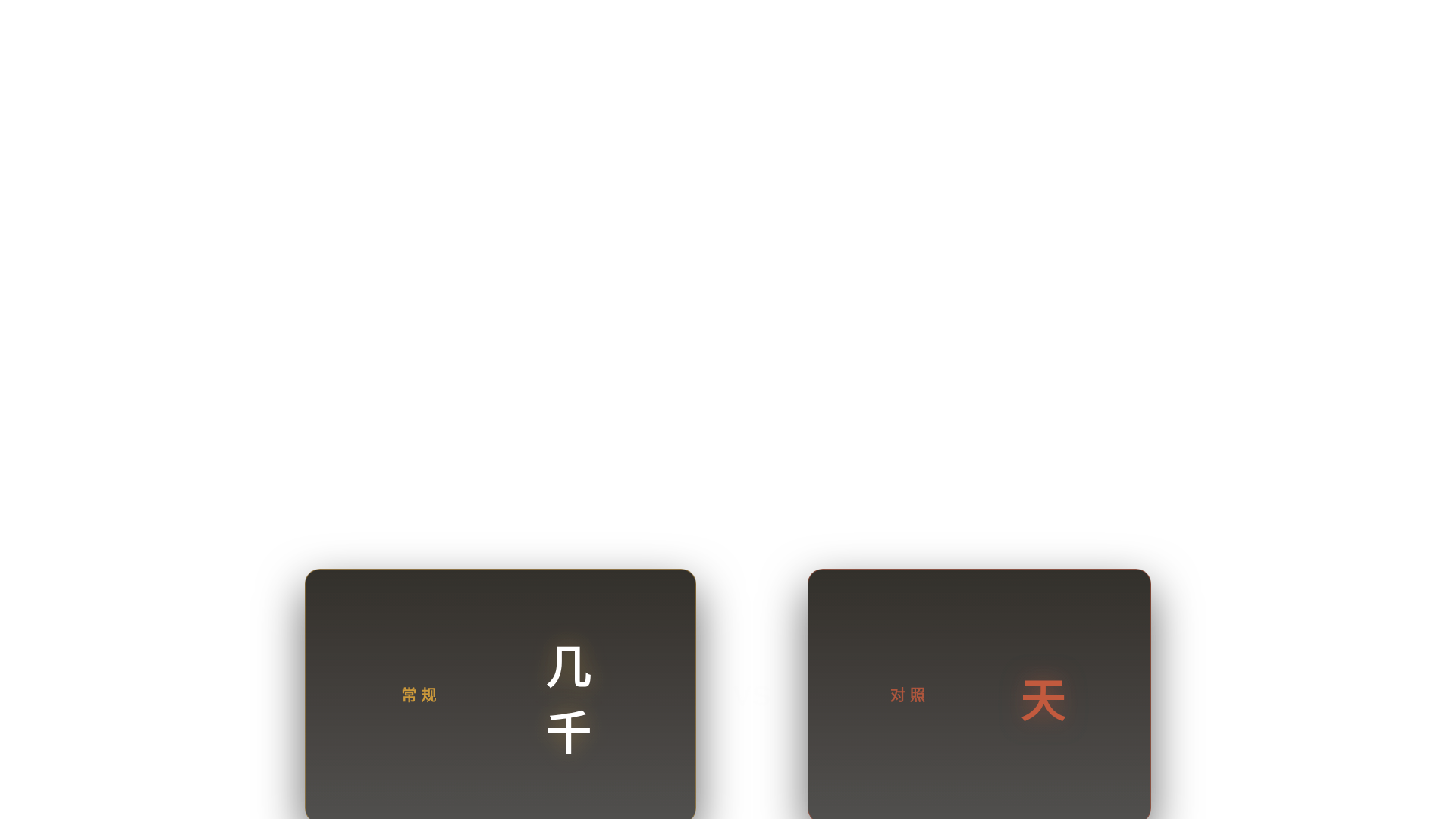
几千 / 天
SKILL K9 钦点:
分屏对比 · 左右两半 xPercent:±20→0 power3.out 0.7s · z=40+
实际:当前实现:PNG 静帧 + ffmpeg fade in/out 0.3s(无 GSAP runtime · 无动效)
#63
555.9s
↓
568.2s
(12.2s)
punchline
z=15 后
anchor +7.7s
24h 一直烧
SKILL K9 钦点:
终极金句 · y:-30→0 + opacity → expo.out · z=15 大字
实际:当前实现:PNG 静帧 + ffmpeg fade in/out 0.3s(无 GSAP runtime · 无动效)
#64
568.7s
↓
593.8s
(25.1s)
punchline
z=15 后
anchor +20.6s
先用 · 问题群里问
SKILL K9 钦点:
终极金句 · y:-30→0 + opacity → expo.out · z=15 大字
实际:当前实现:PNG 静帧 + ffmpeg fade in/out 0.3s(无 GSAP runtime · 无动效)
#65
593.9s
↓
596.5s
(2.6s)
chip
z=40 前
anchor +0.0s
但是把这个事情交
SKILL K9 钦点:
评论 chip 黄底标 · y:8→0 + opacity 0.4s · z=40+ 与 PIP 同步
实际:当前实现:PNG 静帧 + ffmpeg fade in/out 0.3s(无 GSAP runtime · 无动效)
#66
596.4s
↓
608.7s
(12.3s)
chip
z=40 前
anchor +0.0s
交付之后你把你把Air用上去
SKILL K9 钦点:
评论 chip 黄底标 · y:8→0 + opacity 0.4s · z=40+ 与 PIP 同步
实际:当前实现:PNG 静帧 + ffmpeg fade in/out 0.3s(无 GSAP runtime · 无动效)
#67
608.9s
↓
613.1s
(4.2s)
chip
z=40 前
anchor +0.0s
你就要求它在你的桌面上把它打
SKILL K9 钦点:
评论 chip 黄底标 · y:8→0 + opacity 0.4s · z=40+ 与 PIP 同步
实际:当前实现:PNG 静帧 + ffmpeg fade in/out 0.3s(无 GSAP runtime · 无动效)
#68
613.5s
↓
617.8s
(4.3s)
chip
z=40 前
anchor +0.0s
告诉你用什么工具
SKILL K9 钦点:
评论 chip 黄底标 · y:8→0 + opacity 0.4s · z=40+ 与 PIP 同步
实际:当前实现:PNG 静帧 + ffmpeg fade in/out 0.3s(无 GSAP runtime · 无动效)
#69
618.4s
↓
623.7s
(5.3s)
pop
z=40 前
anchor +0.8s
都可以问 · 它会解释得非常清楚
SKILL K9 钦点:
金句花字 pop · scale 1.3→1 + opacity 弹回 back.out(1.4) · z=40+
实际:当前实现:PNG 静帧 + ffmpeg fade in/out 0.3s(无 GSAP runtime · 无动效)
#70
624.1s
↓
641.6s
(17.5s)
punchline
z=15 后
anchor +12.7s
要懂底层逻辑
SKILL K9 钦点:
终极金句 · y:-30→0 + opacity → expo.out · z=15 大字
实际:当前实现:PNG 静帧 + ffmpeg fade in/out 0.3s(无 GSAP runtime · 无动效)
#73
655.9s
↓
666.0s
(10.2s)
chain
z=40 前
anchor +0.0s
贪吃蛇 → 周报 → 报表
SKILL K9 钦点:
责任链节点 + 末环 .melt · 节点逐入 stagger=ASR + 末项 scale 1.4→0+blur · z=40+
实际:当前实现:PNG 静帧 + ffmpeg fade in/out 0.3s(无 GSAP runtime · 无动效)
#74
666.4s
↓
675.8s
(9.4s)
chip
z=40 前
anchor +4.9s
群 / 私信
SKILL K9 钦点:
评论 chip 黄底标 · y:8→0 + opacity 0.4s · z=40+ 与 PIP 同步
实际:当前实现:PNG 静帧 + ffmpeg fade in/out 0.3s(无 GSAP runtime · 无动效)
#75
675.9s
↓
700.4s
(24.5s)
splitcard
z=40 前
anchor +17.3s
跳过去 → 绕过去
SKILL K9 钦点:
分屏对比 · 左右两半 xPercent:±20→0 power3.out 0.7s · z=40+
实际:当前实现:PNG 静帧 + ffmpeg fade in/out 0.3s(无 GSAP runtime · 无动效)
#77
707.9s
↓
714.0s
(6.2s)
gate
z=40 前
anchor +1.7s
什么是上下文管理 · 什么是记忆管理
SKILL K9 钦点:
高潮大字 gate · scale 0.92→1 + opacity power3.out · z=40+ mask 前
实际:当前实现:PNG 静帧 + ffmpeg fade in/out 0.3s(无 GSAP runtime · 无动效)
#78
714.0s
↓
726.7s
(12.6s)
splitcard
z=40 前
anchor +7.8s
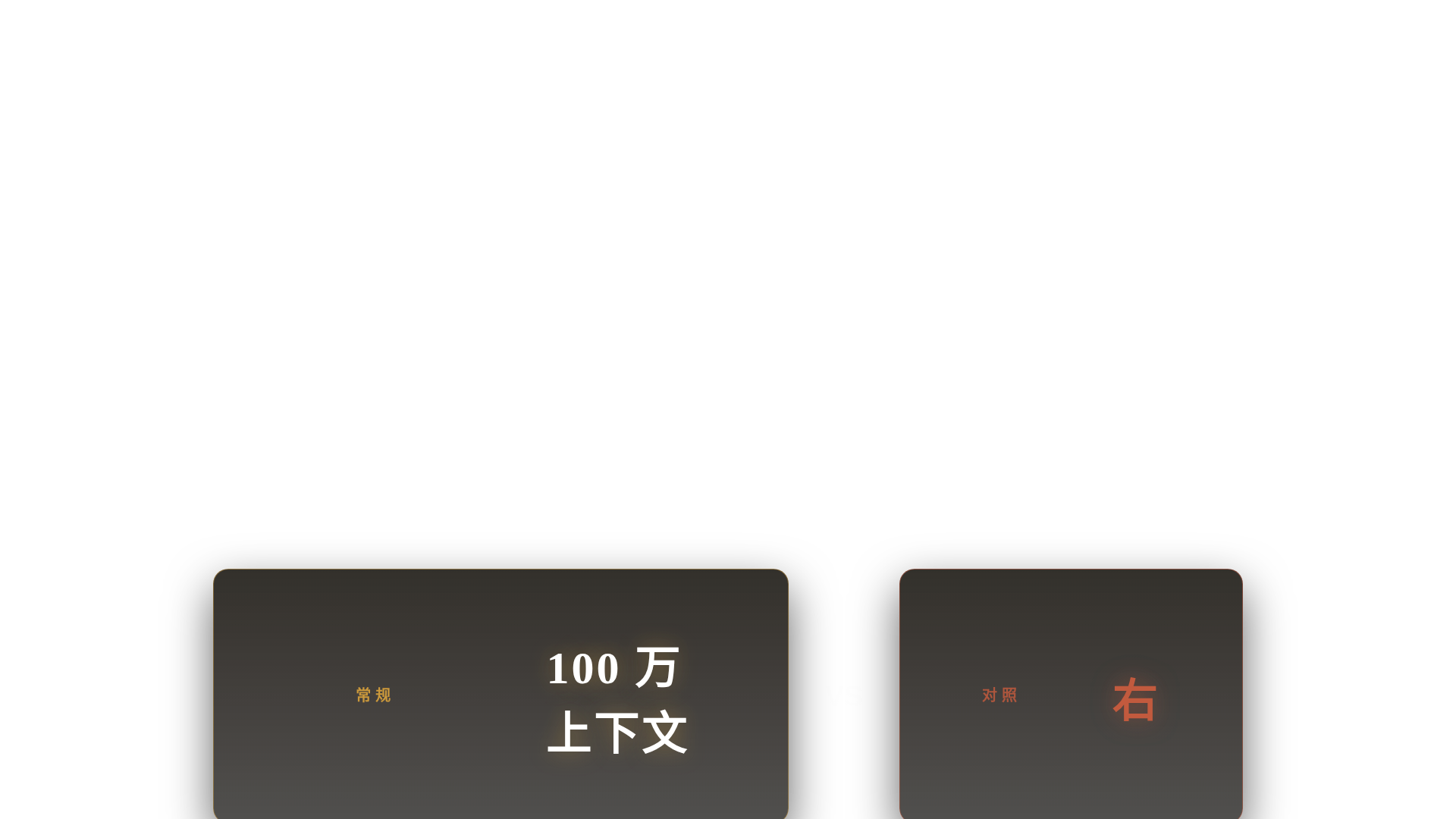
100 万上下文
SKILL K9 钦点:
分屏对比 · 左右两半 xPercent:±20→0 power3.out 0.7s · z=40+
实际:当前实现:PNG 静帧 + ffmpeg fade in/out 0.3s(无 GSAP runtime · 无动效)
#79
727.0s
↓
735.5s
(8.6s)
tbh
z=15 后
anchor +0.0s
258K
SKILL K9 钦点:
横贯大字藏字法 · 字符 x:-240→0 expo.out 0.85 stagger 0.05 · z=15 mask 后
实际:当前实现:PNG 静帧 + ffmpeg fade in/out 0.3s(无 GSAP runtime · 无动效)
#81
737.5s
↓
741.1s
(3.7s)
chain
z=40 前
anchor +0.0s
加群问我
SKILL K9 钦点:
责任链节点 + 末环 .melt · 节点逐入 stagger=ASR + 末项 scale 1.4→0+blur · z=40+
实际:当前实现:PNG 静帧 + ffmpeg fade in/out 0.3s(无 GSAP runtime · 无动效)
#82
740.9s
↓
745.7s
(4.7s)
pop
z=40 前
anchor +0.2s
我是点哥
SKILL K9 钦点:
金句花字 pop · scale 1.3→1 + opacity 弹回 back.out(1.4) · z=40+
实际:当前实现:PNG 静帧 + ffmpeg fade in/out 0.3s(无 GSAP runtime · 无动效)